Home / App
Typer App: Android, iPhone and Mobile
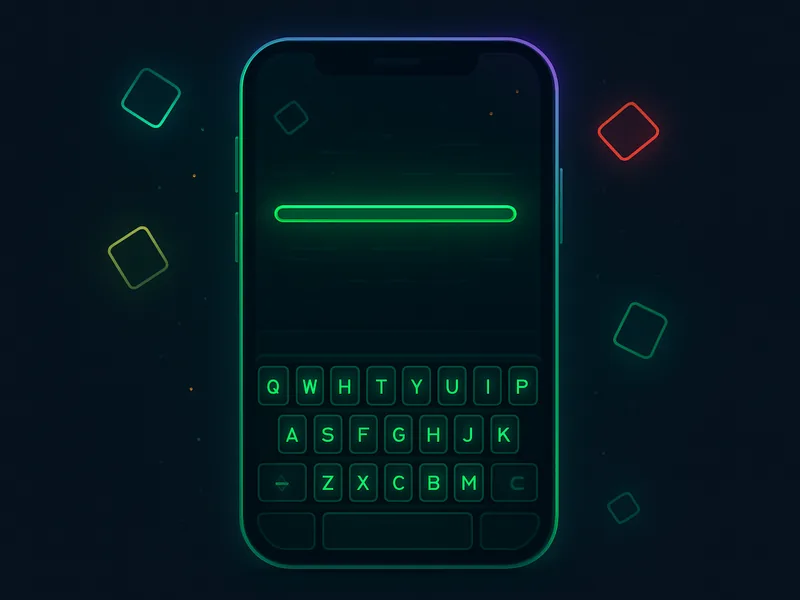
No app to download
People often search for a typer app, so the answer comes first. There is no standalone application for Typer. Nothing needs to be installed from a store, on any phone.
Typer is built for the browser. It uses HTML5 and JavaScript, which means it opens in the same browser you use for everything else on the phone. Dicey designed it as a fully responsive page that adapts to the size of the screen.
That is why a search for typer android or for an iPhone version leads to the same place. Both kinds of phone use their normal browser, and Typer looks and works alike on each. If a site offers you a Typer download file, treat it with suspicion, because no such app exists.
How Typer behaves on a phone
You open the game through a casino that carries it, in the phone browser. The Typer layout shrinks to fit a narrow screen. You do not need a tablet or a large display.
Typing is done on the on-screen keyboard of your phone. Each key you tap enters a character, exactly as a physical key would on a computer. The rules, the risk levels and the 97% RTP are the same as on a desktop.
The mobile experience of Typer has one real difference, and it is physical. A phone keyboard is small, and thumbs make slips more easily than ten fingers do. Since the keys must match the characters of the phrase, a slip can end a round.
Phrase choice therefore matters more on a phone. Short phrases with common letters are easier to tap quickly. As general advice, avoid long strings with unusual characters when you play on a small screen. Random Words can help, because it supplies real words, and Preview lets you read the phrase before you commit.
Practical tips for thumb typing
Hold the phone in a way that keeps the cash out button within easy reach. A button that is hard to press at the right moment makes the cash out decision harder than it needs to be. Portrait orientation is usually fine, though a wider landscape view gives bigger keys.
Try the practice mode first. The demo has a virtual balance and needs no registration, so you can test the Typer keyboard and the layout on your own phone before any real stake is involved. If the screen feels cramped, adjust your phrase or your grip.
Connection quality matters as well. A weak signal can interrupt a session at a poor moment, so a steady Wi-Fi or mobile connection is wise. We cannot tell you how Typer reacts to a dropped connection, and the available information does not say, so avoid playing where the signal is unreliable.
Keep notifications quiet while you play. A message popping up halfway through a phrase is an easy way to lose focus, and a lost Typer round on a small keyboard feels worse than one on a full-size keyboard.
Our view
For a game like Typer, a browser version is a sensible choice. There is nothing to update and nothing to remove. The drawback is that you depend on the browser and the casino site, not on an installed program.
Whether the phone suits you comes down to the keyboard. If you tap accurately, the mobile experience is smooth. If you do not, a laptop gives you more room.
Offers, terms and game availability depend on the country and on the casino, so check the Typer lobby on your phone as you would on a computer. Please play within limits you set in advance.
Play Typer